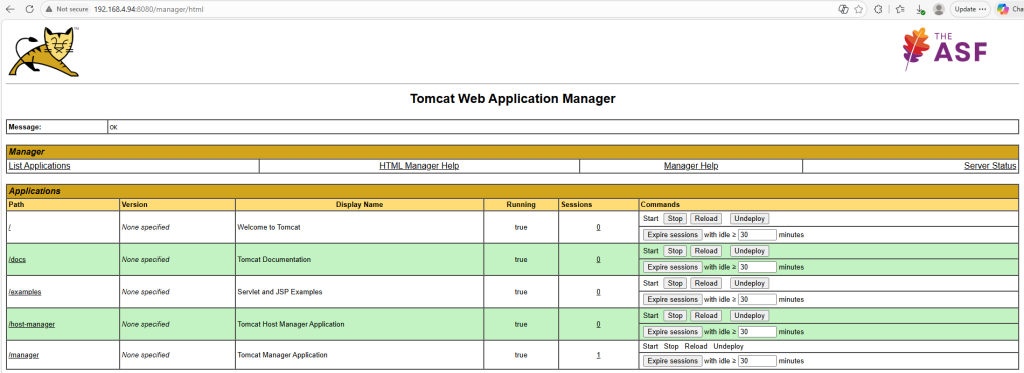
To access the tomcat manager application, add the below code to the tomcat-users.xml under /conf directory
<role rolename="manager-gui"/>
<user username="tomcat" password="s3cret" roles="manager-gui"/>
</tomcat-users>
By default, the manager application is available only on the localhost. To make it available on all other networks add the below code to file /webapps/manager/META-INF/context.xml
<Valve className="org.apache.catalina.valves.RemoteAddrValve"
       allow=".*" />